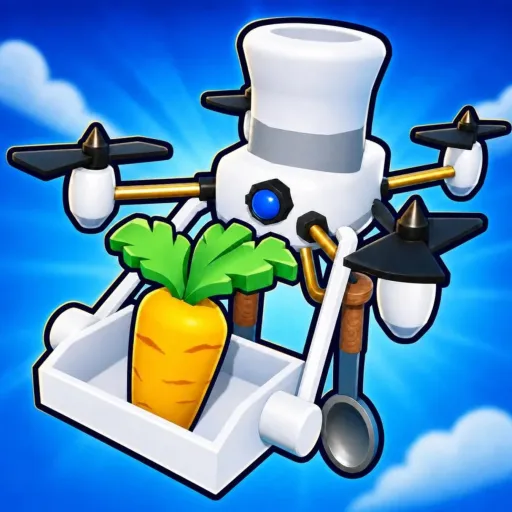
Automate a Restaurant Tools & Checklists
Plain markdown workflows to keep your restaurant progression organized.
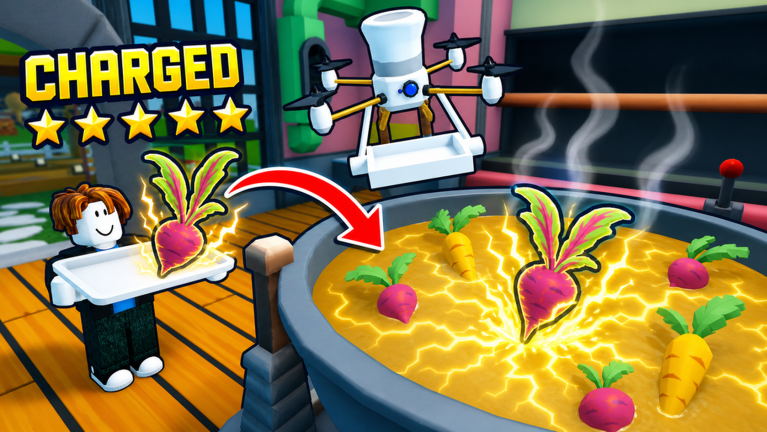
Automate a Restaurant Tools Hub
Not every wiki page needs a calculator or a React mini-app. The Tools Hub for Automate a Restaurant collects practical workflows you can follow in-game or copy into your own notes—starting with the Recipe Checklist, a markdown progression sheet for crops, recipes, drone roles, and layout milestones.
Automate a Restaurant is a released Roblox incremental simulator from m_experiment (May 25, 2026). You plant crops, hunt rare ingredients, experiment to discover recipes, serve customers, unlock drones, and expand a production line in a shared restaurant with friends (online co-op, about 10 players). Tools here help you remember what to do next, not skip the loop with shady automation.
Available tools
| Tool | Purpose | Best for |
|---|---|---|
| Recipe Checklist | Session goals: crops → recipes → drones → layout | Solo and co-op planners |
Future tools may appear if they stay lightweight and honest—no fake script launchers, no invented code redeemers. If a mechanic needs deep explanation, it belongs in the Guides Hub first; tools summarize actions.
Why checklists beat random grinding
Incremental sims feel relaxing until you forget whether you unlocked a cook drone or only tested a recipe once. A short checklist:
- Stops you from rebuying the same upgrade twice in co-op.
- Forces one experiment log entry per session (see Discover Recipes).
- Pairs with Best Recipes so you test tier calls instead of copying them blindly.
- Highlights when to read Drone Priority before spending every coin on cosmetics.
Open the checklist page, tick boxes as you play, and reset sections after major patches listed in the Updates Hub.
How tools relate to other hubs
- Guides teach mechanics; tools track execution.
- Tier lists suggest order of investment; checklists record what you actually completed.
- Codes may grant boosts later (none verified Aug 2026); note redeem dates on your checklist when they arrive.
- Scripts are not tools we endorse—use drones from Unlock Drones instead.
Co-op usage tips
Share the checklist link before a group session. Assign harvest, cook, and serve milestones to different players so two people do not duplicate the same drone role. Review Co-op Shared Restaurant etiquette before editing stations someone else built.
Related pages
- Recipe Checklist — main progression worksheet
- Guides Hub — getting started, rare ingredients, production line layout
- Tier List Hub — recipe and drone priority rankings
- Codes Hub — promo tracking when live codes exist
- Links Hub — official Roblox bookmarks
Pick one tool, finish one section per session, and let the kitchen grow on purpose—not by accident.
Frequently Asked Questions
Quick answers to the most common questions.
Are these tools separate apps?
No. They are markdown checklists and workflows on the wiki—no downloads or executors required.
Which tool should I use first?
Start with the Recipe Checklist. It covers first crops, first recipes, first drone roles, and layout milestones in order.
Do tools replace the guides?
No. Guides explain why a step matters; tools help you track whether you did it in your save.
Will you add script tools here?
No. The Scripts Hub covers safety only. We do not host loadstrings or unverified automation for this game.