Automate a Restaurant Production Line Layout Guide
Design crop zones, stations, and drone paths that keep orders moving.
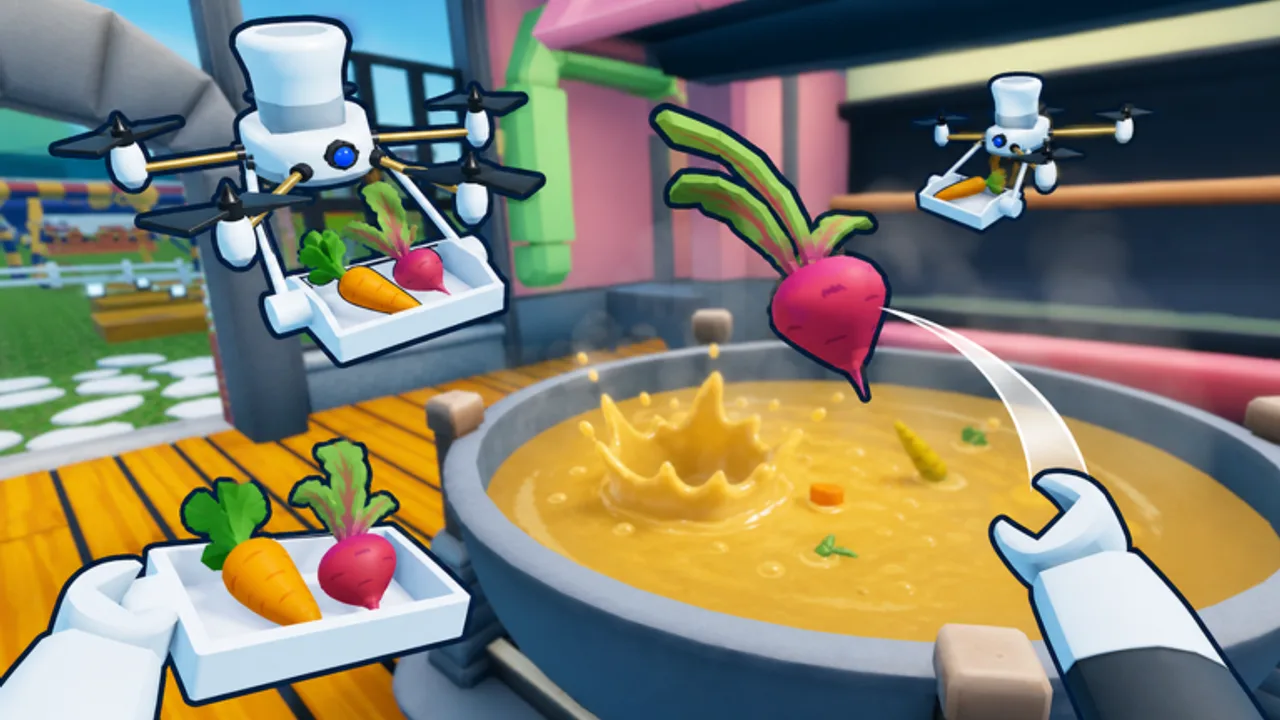
Layout is the physical backbone of Automate a Restaurant. Drones, players, and ingredients all move through space; a smart production line reduces crossing paths, empty trips, and counter jams. This guide covers how to zone your restaurant, place stations for harvest-cook-serve chains, and adapt layouts when you add Rare Ingredients or co-op partners from Co-op Shared Restaurant.
Understand manual flow first via Getting Started, then assign automation using Unlock Drones before rebuilding the whole map.
Layout goals
A strong layout optimizes four metrics:
- Travel distance between field, storage, stove, and customer.
- Clear ownership so players and drones do not fight for one tile.
- Expandability for new crops and recipes from Discover Recipes.
- Co-op readability so friends know where to stand during rush hour.
Incremental sims punish pretty but chaotic kitchens. Function first, decor when throughput is stable.
The classic three-zone model
Most efficient restaurants split into farm, kitchen, and front-of-house.
Farm zone
Place crop plots in rectangular blocks with walking lanes between them. Leave one lane width for harvest drones per Drone Priority tier list. Group crops by grow time: fast herbs near storage, slow trees on the outer edge so you visit them less often.
Add a bulk storage crate at the farm exit so harvest drones drop without entering the kitchen. Players manually deposit Rare Ingredients into a separate labeled crate to avoid mixing with wheat stacks.
Kitchen zone
Line cooking stations along a straight corridor with input shelves on one side and output counters on the other. This one-way kitchen prevents serve drones from walking through cook animations backward.
Special stations for rare recipes sit closest to the rare crate, not the main crop highway. When a recipe graduates to tier-list status on Best Recipes tier list, consider duplicating its station instead of sharing—shared stations create queue bugs when drones and players alternate.
Front-of-house zone
Customer queues, serving counters, and pickup windows belong near the entrance—not behind the farm. Serve drones should loop: pickup counter → customer → return to pickup without crossing the farm.
If the map allows seating, keep chairs off drone paths. Roblox pathfinding hugs corners; a chair cluster can stall an entire serve fleet.
Drone pathing rules
Drones behave like constrained NPCs. Design paths they can repeat forever:
- No dead-end alleys unless the drone AI reverses cleanly—test before scaling.
- Two-tile corridors reduce collisions when multiple harvest units work one field.
- Hand-off points every ten to fifteen tiles so cook drones meet harvest drones at storage, not at individual plants.
- Elevation changes only when necessary; ramps slow small models on some servers.
After placing a new drone, watch three full cycles before adding another. Fix stalls with layout, not more units—see Unlock Drones.
Scaling from solo to co-op
Solo players can use a compact U-shaped line: farm wraps one side, kitchen the middle, counters open to the spawn. Co-op groups approaching ten players need parallel lines:
| Lane | Owner | Purpose |
|---|---|---|
| A | Player or drone set 1 | Staple crop → staple dish |
| B | Player or drone set 2 | Rare hunt deposit → premium dish |
| Shared | Rotating | Expedite rush tickets only |
Mark lanes with floor color or signs if the build tools allow. Document roles in Co-op Shared Restaurant so newcomers do not block lane A while experimenting.
Recipe changes and layout refactors
When you pivot recipes, layout breaks silently. Triggers to rebuild:
- New crop needs different plot size or water access.
- Cook time doubles, overflowing output counters.
- Rare recipe adds an ingredient stored across the map.
Refactor in phases: move storage first, rebind drones second, expand farm third. Never demolish the only cook station during peak hours on a public server.
Track active recipes in the Recipe Checklist tool so layout changes match what you actually cook, not what you discovered once and forgot.
Buffer storage and rush management
Production lines need buffers—crates that hold fifteen to thirty minutes of ingredients and finished plates. Without buffers, a thirty-second hunt for Rare Ingredients stalls every drone downstream.
Place buffers:
- Between farm and kitchen for bulk crops.
- Between kitchen and front for finished plates during double-currency events from Codes.
- Near co-op meeting points so friends can grab items without entering private drone lanes.
During events, temporarily widen corridors or pause decorative props that narrow paths.
Testing and measurement
You do not need spreadsheets to tune layout. Simple checks work:
- Time one order from harvest request to customer smile at quiet and busy hours.
- Count how often a drone idles more than five seconds—usually a path or assignment issue.
- Watch co-op partners: if everyone stacks one counter, add a second pickup window.
Compare results before and after moves. Post major layout shifts to your group chat so drone captains rebind assignments the same session.
Common layout mistakes
- Single chokepoint door between farm and kitchen.
- Shared output counter for five different recipes without labels.
- Decorations on drone highways—plants, fences, and chairs cause stalls.
- Rare station in the farm center, forcing harvest drones through cook traffic.
- Ignoring Updates after patches that change station footprint sizes.
Avoid Scripts that clip through walls; they teach nothing about real pathing and risk moderation.
Late-game expansions
Late game adds duplicate lines for event recipes, overflow farms for tier-list staples, and visit routes for seasonal rares. Keep expansion orthogonal to main traffic—new plots attach to the side, not between counters and spawn.
When income justifies it, mirror your best line on the opposite side of the restaurant for co-op symmetry. Link strategic pages from the Guides Hub and revisit Discover Recipes before dedicating a whole wing to experimental food.
Related resources
Layout ties every system together. Continue with Unlock Drones for fleet tuning, Rare Ingredients for hunt storage, and Co-op Shared Restaurant for shared permissions. Economic ordering lives on Best Recipes tier list and Drone Priority tier list. Patch-related footprint changes appear on Updates; the full wiki index is at Automate a Restaurant Wiki home.
Frequently Asked Questions
Quick answers to the most common questions.
How wide should drone corridors be?
Aim for at least two tiles where multiple drones work the same route. Single-tile alleys often cause collisions and idle time during rush periods.
Should rare ingredient stations sit near the farm or kitchen?
Place them next to rare storage and away from bulk crop highways. That keeps harvest drones from crossing cook traffic when you pull special items.
When is it worth rebuilding my layout?
Rebuild when drones idle often, new recipes need different crops or stations, or co-op partners constantly block the same chokepoint during service.
Do layout rules change in co-op?
Yes. Shared restaurants need parallel lanes, clear roles, and labeled storage so up to about ten players do not stack one counter or crate.
Can good layout replace drone upgrades?
Layout and upgrades work together. Smart paths reduce wasted travel, but faster drones and larger capacity still matter once paths are clean.